

Log in
Go to dedi.wavecom.ee and click Log in, or you will be prompted automatically when you start an order without an active session.
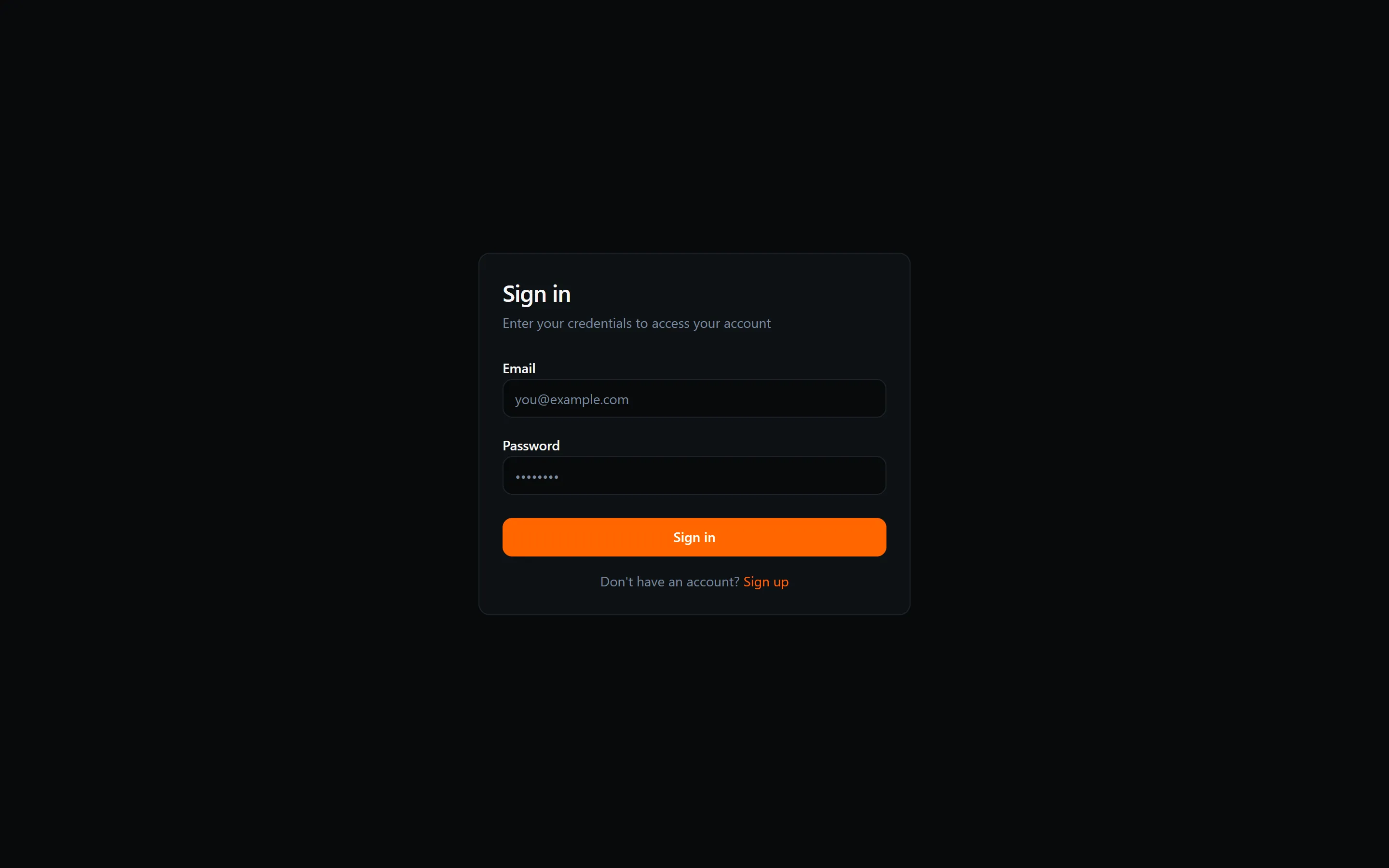
Step 1 — Enter your credentials
Section titled “Step 1 — Enter your credentials”Enter your email address and password, then click Continue.
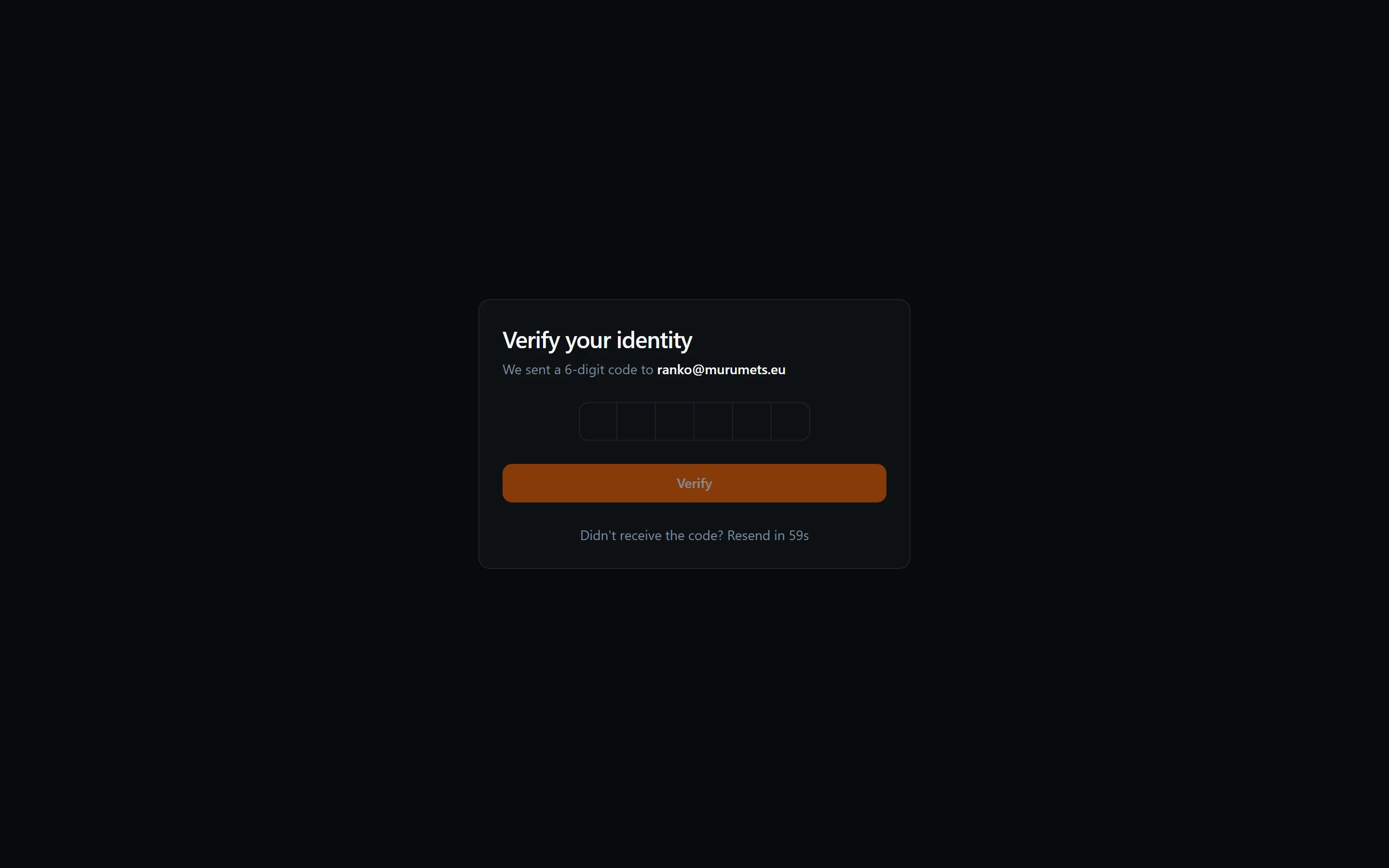
Step 2 — Enter the verification code
Section titled “Step 2 — Enter the verification code”We immediately email a 6-digit code to your address. Enter all six digits — the form submits automatically once the last digit is in.
After logging in
Section titled “After logging in”You are taken to your dashboard or back to the page you were trying to reach. From the dashboard you can manage your servers, view invoices, and update your account details.