

Root password
Setting the password during install
Section titled “Setting the password during install”Your root password is set in the Reinstall OS form. Enter it in the Root Password field — it must be at least 8 characters.
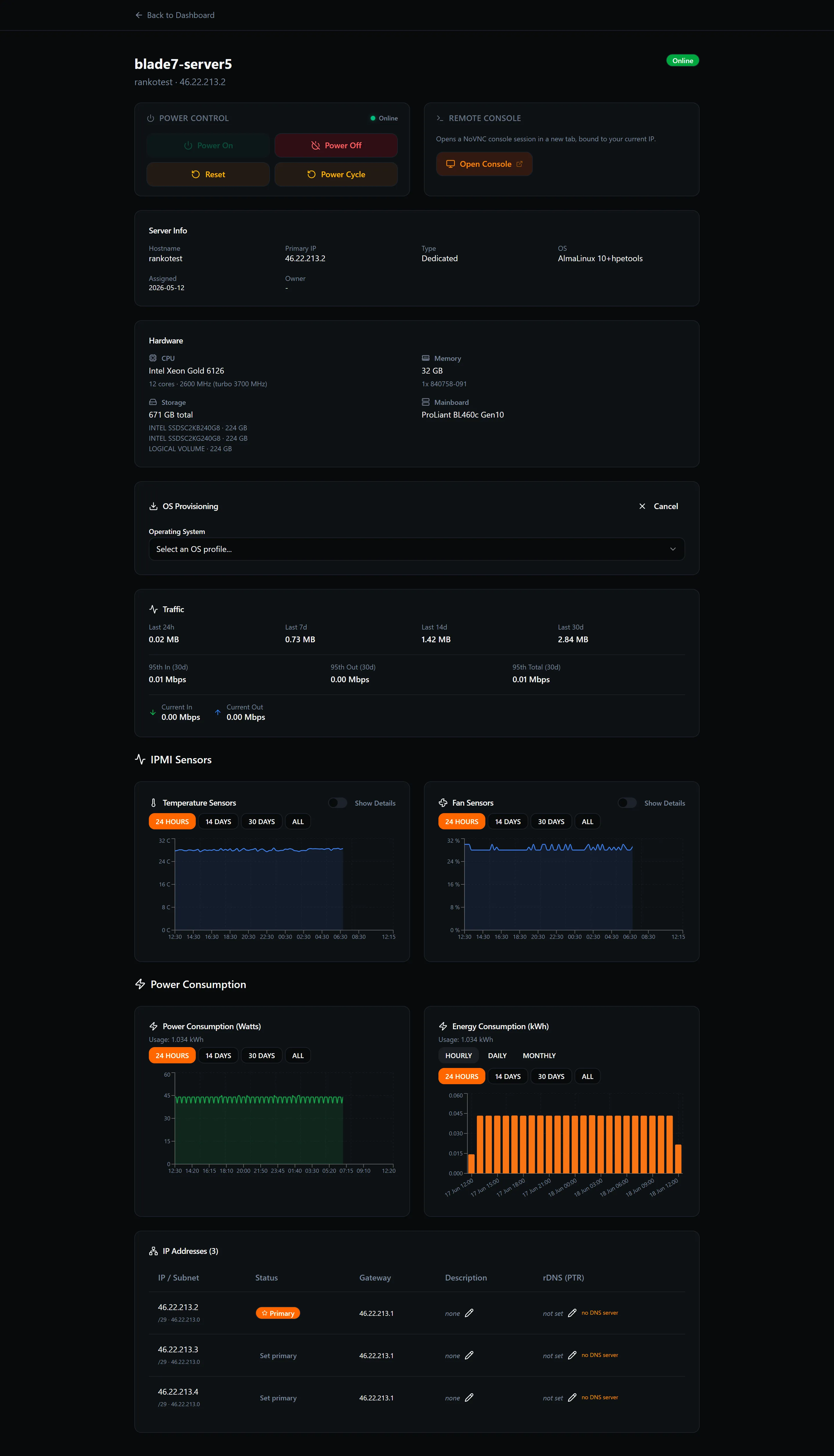
The password is applied to the root account during installation and is active as soon as the server boots.
Changing the password on a running server
Section titled “Changing the password on a running server”To change the root password without reinstalling:
passwd- Enter and confirm your new password when prompted.
The change takes effect immediately — no reboot required.
If you’ve forgotten the password
Section titled “If you’ve forgotten the password”If you no longer know the root password and cannot log in via SSH key either, your options are:
- Reinstall the OS — sets a new root password of your choosing. This erases all data on the server. See Install / reinstall your OS.
- Use the console with rescue mode — boot a rescue image from the Reinstall OS form, mount your disk read-write, and use
chroot+passwdto reset the password without reinstalling (advanced).