

Pay
After configuring your server and confirming the price summary, you are taken to the payment step.
Enter your card details
Section titled “Enter your card details”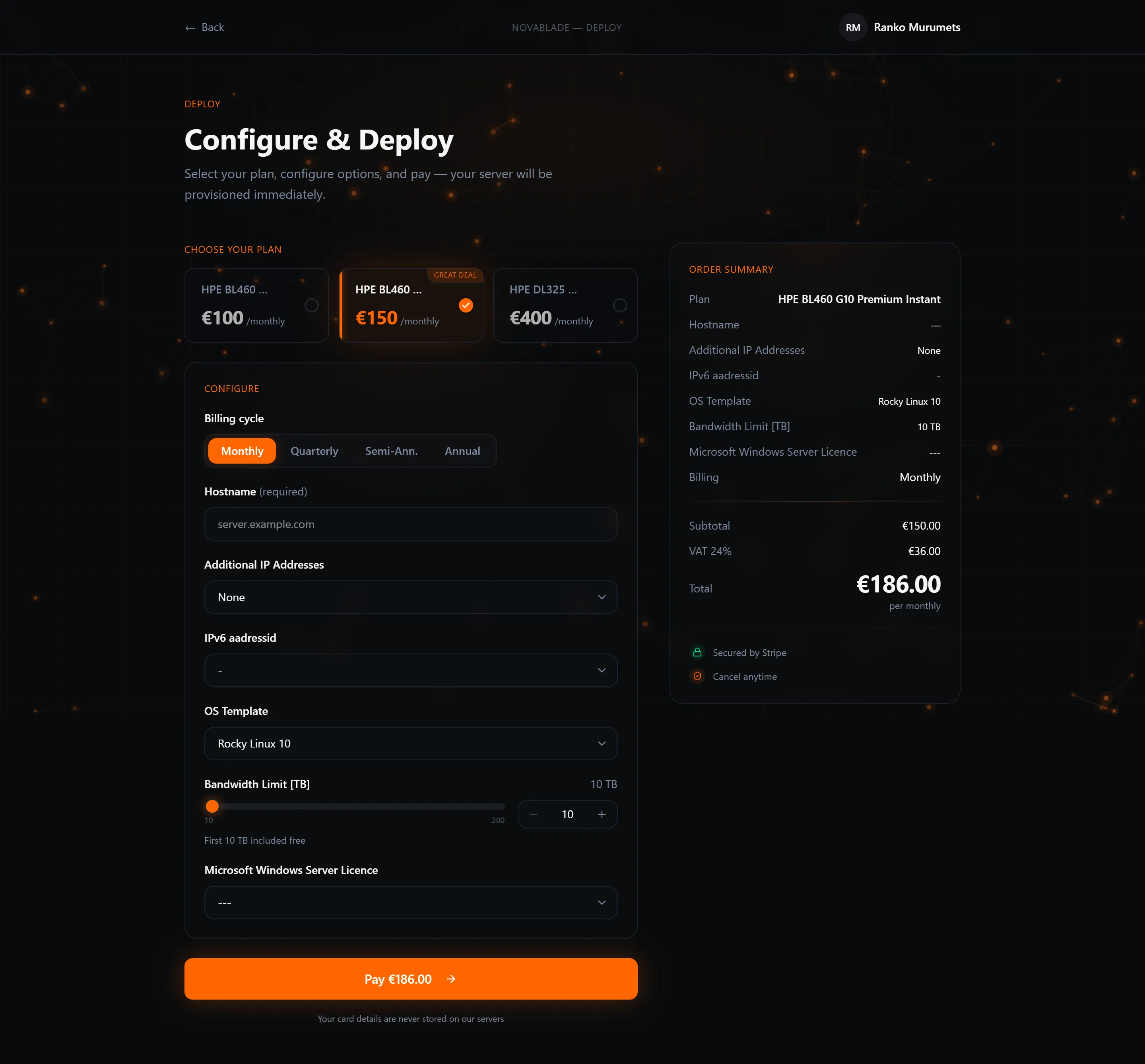
Enter your card details in the secure payment form. All major credit and debit cards are accepted. You will see the note “Your card details are never stored on our servers” — the payment is processed directly by our payment provider and we never have access to your raw card number.
Click Pay to submit the payment.
After payment
Section titled “After payment”On successful payment:
- Your server begins provisioning automatically. No manual step is needed on your side.
- You are taken to a confirmation page showing your new server and its current status.
- A receipt is emailed to your registered address.
If payment fails
Section titled “If payment fails”Check that the card details are correct and that your card is authorised for online transactions. If the problem persists, contact your bank or try a different card. Your order configuration is saved so you do not need to re-enter it.