

Power controls
You can control your server’s power state at any time from its detail page in the dashboard.
Power actions
Section titled “Power actions”The Power Control card at the top of the server page shows the current status and four buttons:
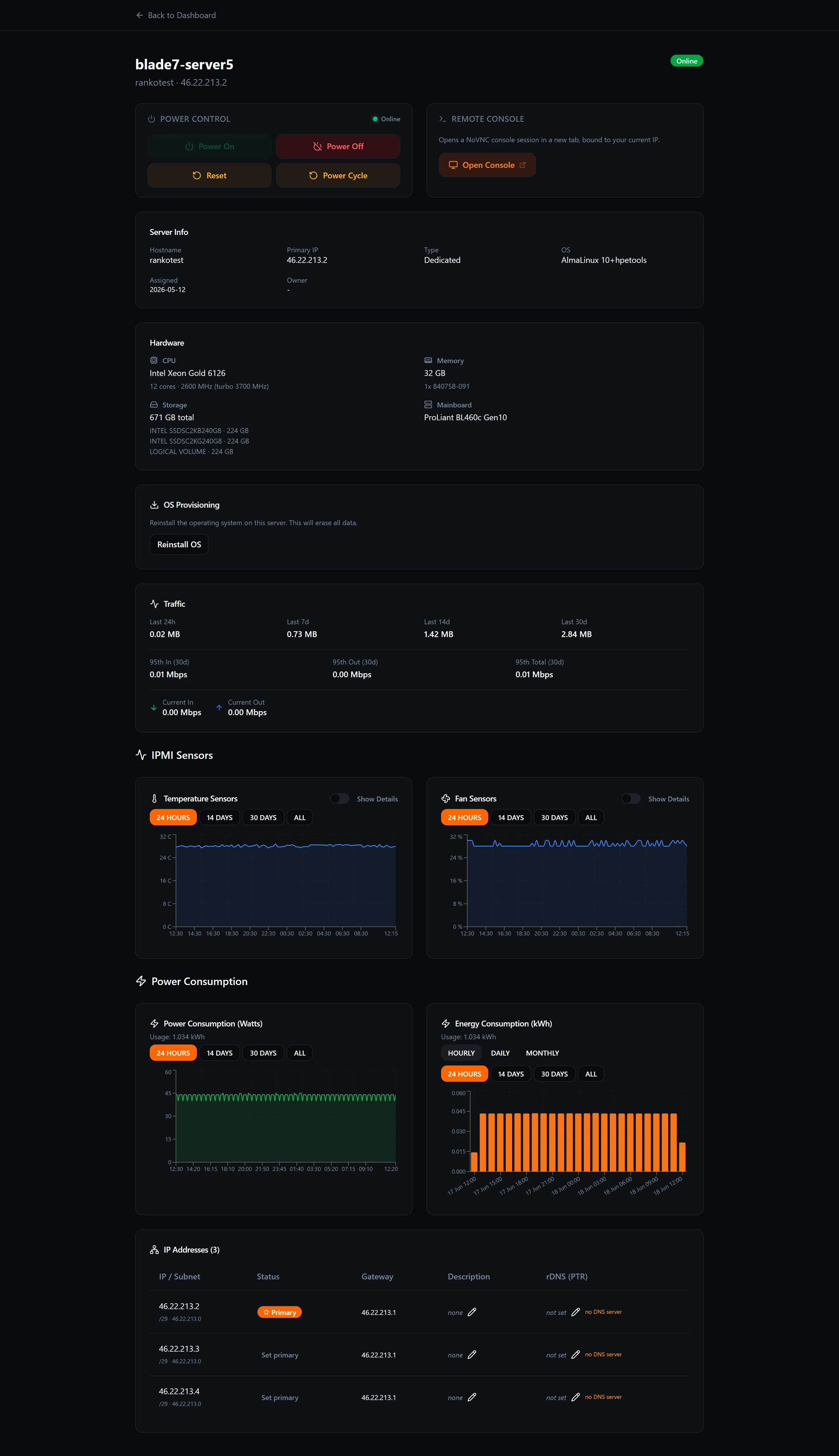
| Action | What it does |
|---|---|
| Power On | Starts a server that is currently offline. |
| Power Off | Cuts power to the server immediately. |
| Reset | Immediately cuts and restores power — equivalent to pressing the physical reset button. |
| Power Cycle | Powers the server off and then on again in sequence. |
Confirmation dialogs
Section titled “Confirmation dialogs”Power Off and Reset both ask you to confirm before they act, because they cut power immediately without giving the operating system a chance to shut down gracefully.
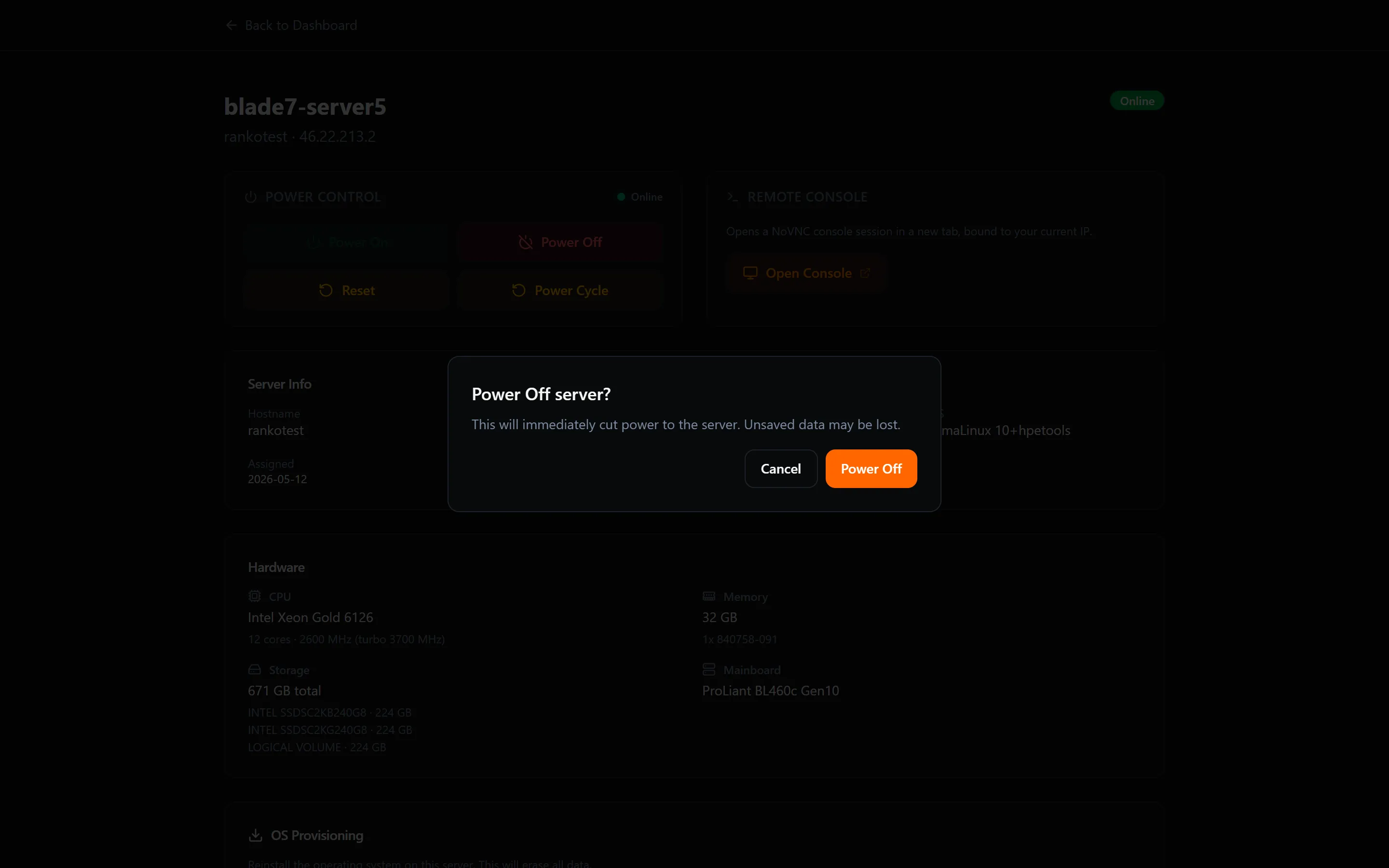
Click Confirm to proceed, or Cancel to go back without making any changes.
Status badge
Section titled “Status badge”A live badge next to the server name shows whether the server is currently online or offline. The badge updates automatically — you do not need to refresh the page after triggering a power action.