

Securely wipe your data
To permanently erase all data on your server — for example, before repurposing it or handing it back — use the Disk Wipe images available in the Reinstall OS form.
How to wipe your disk
Section titled “How to wipe your disk”- Open your server and click Reinstall OS.
- In the Operating System dropdown, scroll to the Disk Wipe group.
- Choose one of the two wipe options (see below).
- Click Reinstall to start.
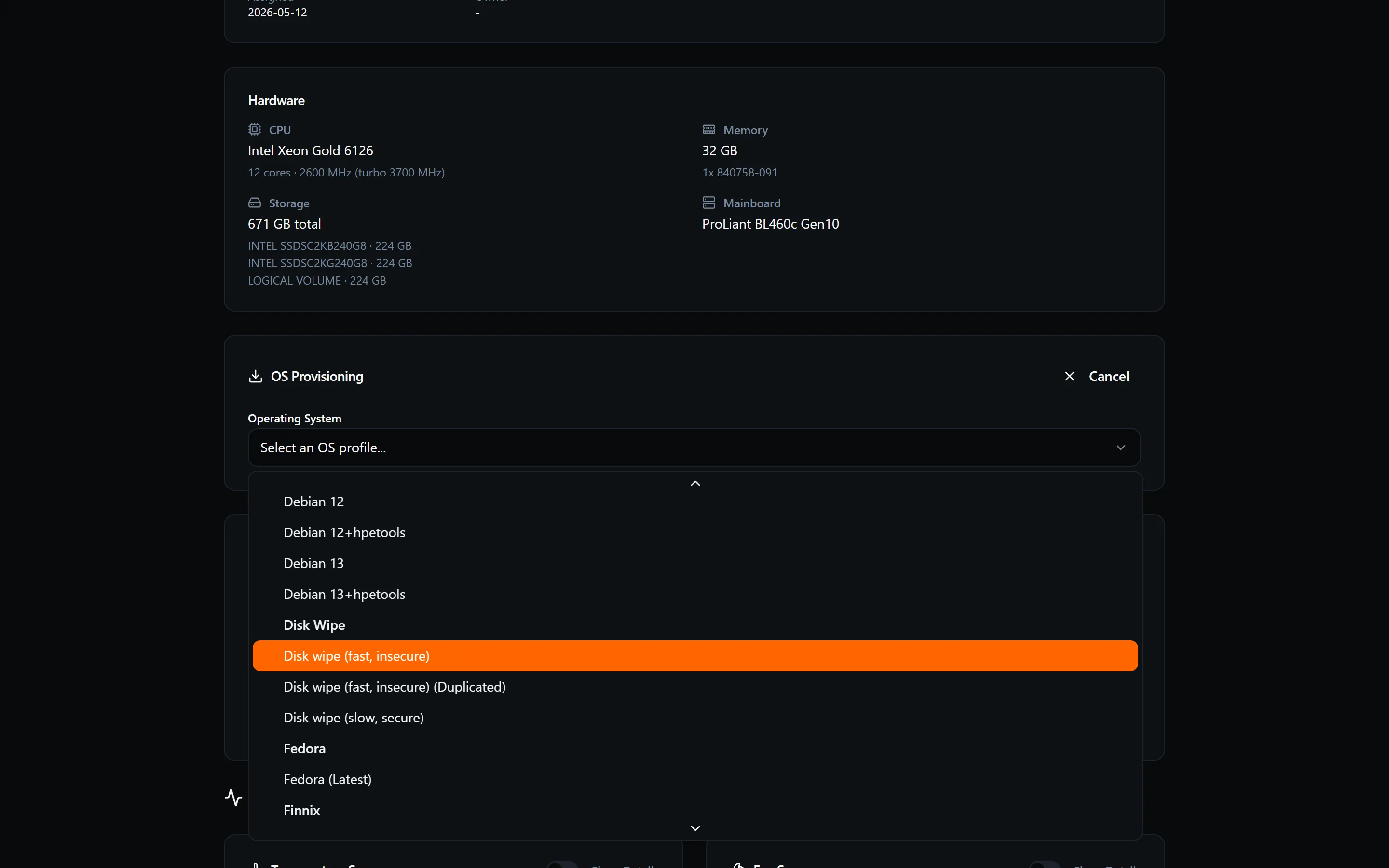
Wipe options
Section titled “Wipe options”Disk wipe (fast, insecure)
Section titled “Disk wipe (fast, insecure)”Quickly clears the disk. Suitable for cases where data security is not a concern and you need to free the disk fast. Data may be recoverable with forensic tools.
Disk wipe (slow, secure)
Section titled “Disk wipe (slow, secure)”Performs a thorough, multi-pass wipe designed to make data unrecoverable. This is the recommended option before handing a server back, disposing of it, or repurposing it for a different workload where the previous data must not be accessible.
The slow, secure wipe takes considerably longer than the fast option — time depends on disk size and type.
After the wipe
Section titled “After the wipe”When the wipe completes, the server is left without an operating system. Run a fresh OS install to put it back into service.