

Open the console
The browser console gives you direct keyboard access to your server without needing SSH — useful when the network is misconfigured, SSH is locked out, or you just want a quick look at the boot process.
Opening the console
Section titled “Opening the console”- Open your server from the dashboard.
- Click Open Console.
- A short dialog appears while the session is prepared:
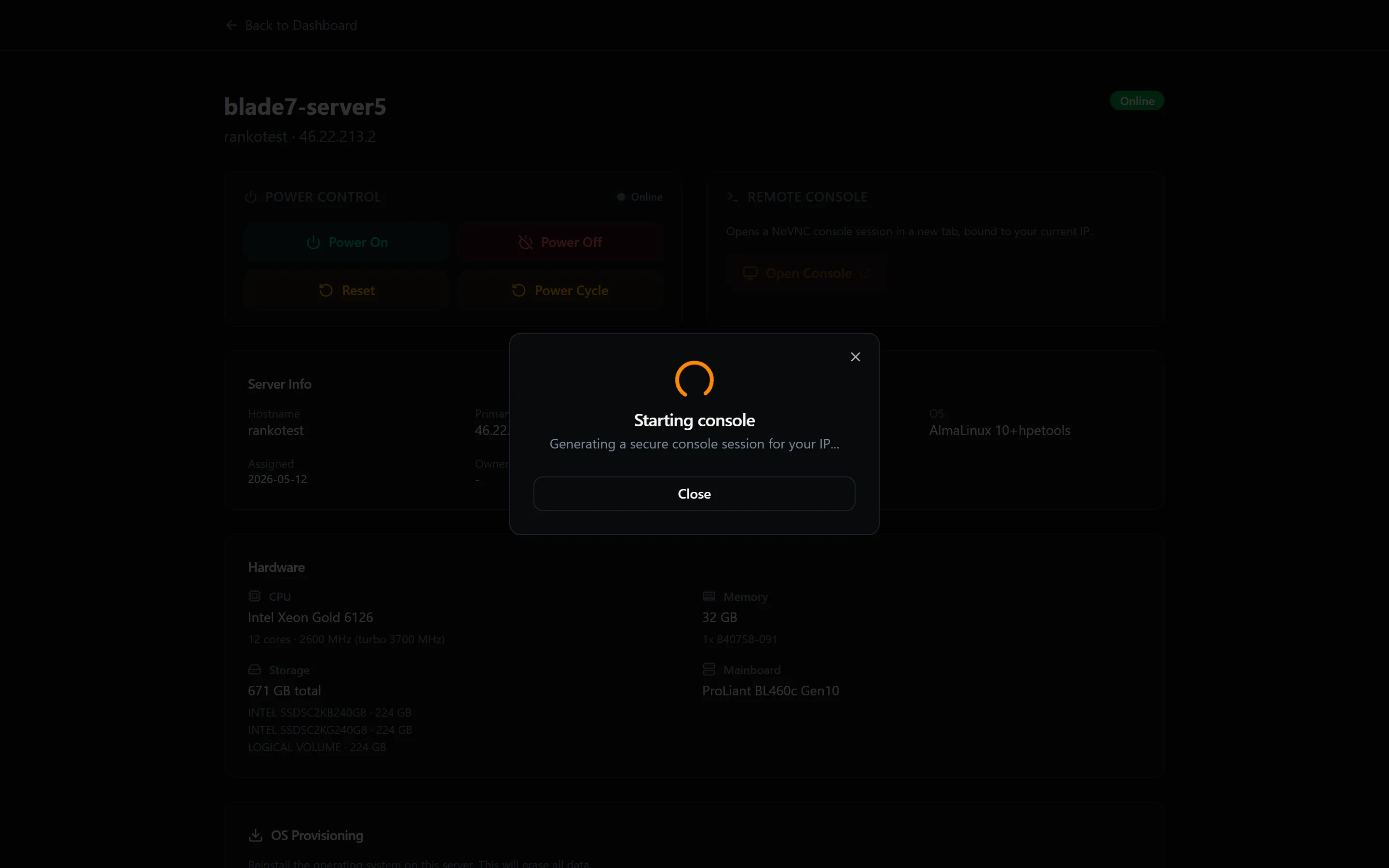
For your security, each console session runs in an isolated environment locked to your current IP address. Spinning that up takes a few seconds — if it doesn’t open the first time, just click again.
- The console opens in a new browser tab.
Using the console
Section titled “Using the console”The console behaves like a direct keyboard connection to the server. You can log in as root using your root password, run commands, and see boot output — the same as if you were sitting in front of the machine.
The console is not a replacement for SSH in day-to-day use — it is lower-bandwidth and does not support copy-paste in all browsers. Use it for recovery, initial configuration, or when SSH is unavailable.